Apple just handed iPhone 16 users something that was science fiction five years ago. Point your camera at a restaurant, a plant, a product on a shelf—within seconds, you get identification, pricing, reviews, or species data without typing a single word. Visual Intelligence Apple isn’t an incremental Siri update. It’s a fundamental rethink of how artificial intelligence can work on a device you already carry everywhere.
But the real story isn’t just what it can do. It’s how Apple is doing it differently than every competitor.
What Visual Intelligence Apple Actually Is
It’s a privacy-first visual recognition system built directly into Apple’s on-device foundation models. Activate it by pressing and holding the Camera Control button on iPhone 16 models, or by taking a screenshot, and the system analyzes what’s in your viewfinder or on your screen in real time.
Here’s what makes it architecturally distinct: everything runs on your device first. According to Apple’s February 2025 technical documentation, Visual Intelligence avoids creating databases of what users photograph or view. When a query requires deeper processing (product pricing, complex identification, or contextual answers), the system routes it to ChatGPT via GPT-4o or Google Search. You’re notified before that happens, and you decide whether to proceed.
That consent layer is the differentiator. Google Lens sends everything to the cloud by default—Apple asks first.
The Hardware Reality
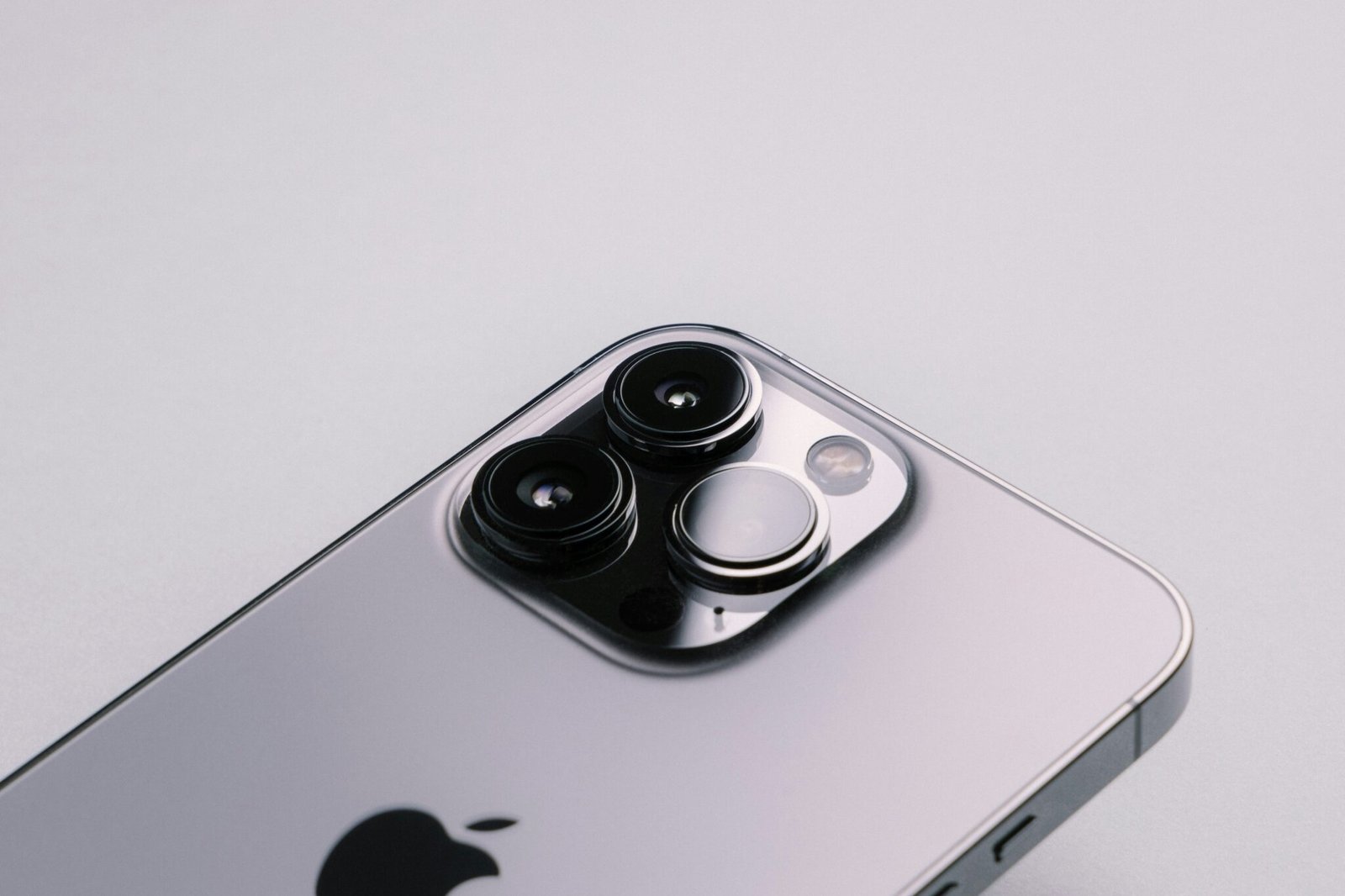
On-device inference requires serious silicon. Visual Intelligence Apple runs on iPhone 16 models for camera-based recognition, iPads with A17 Pro or M-series chips, Macs with Apple silicon, and compatible Apple Watch processors. iPhone 15 and earlier are excluded—not as a marketing decision, but because real-time visual inference demands the Neural Engine performance those chips can’t deliver.
What Changed in iOS 18.3: The January 2025 Expansion
The January 2025 release of iOS 18.3, macOS 15.3 Sequoia, and iPadOS 18.3 wasn’t a minor patch. It was the moment Visual Intelligence moved from a promising concept into something genuinely useful day-to-day.
Event Recognition and Calendar Integration
Point your camera at an event poster, conference flyer, or printed schedule. Visual Intelligence reads it, extracts the date, time, and location, and offers to create a calendar event automatically. In practice, this works reliably for clearly printed materials: conference programs, restaurant specials boards, museum exhibit listings. It doesn’t require a QR code or NFC tag. A photo is enough.
AppleInsider’s hands-on testing of iOS 18.3 confirmed this in real-world conditions: scanning a local coffee shop returned accurate hours, while a pizza restaurant allowed testers to pull up the menu and place a carryout order directly through Visual Intelligence.
Plant and Animal Identification
Per Apple’s iOS 18.3 release notes, the update added real-time biological identification using computer vision models trained on extensive species databases. Point the camera at a plant or animal and get species name, characteristics, and relevant safety information. Hikers, gardeners, and educators are the obvious use cases, but it’s also useful for identifying whether that mushroom in your garden is edible or toxic.
Screenshot-Based Visual Intelligence
This was the expansion that changed the use case most notably. Visual Intelligence no longer requires the physical camera. Screenshot any screen (Instagram, Safari, a streaming app) and activate Visual Intelligence on that image. See a lamp in a design account you follow? Screenshot it. Visual Intelligence finds that exact item or near-identical alternatives available for purchase. The path from discovery to purchase just lost several friction points.
How It’s Built Into Native Apps
This isn’t a standalone mode. Apple integrated it across the core apps that define daily iPhone use, which is why adoption has been faster than most AI features Apple has shipped.
In Photos, natural language search now works the way users always assumed it would. “Photos of my dog at the beach in summer” returns results without manual tagging. Memory movie creation became more contextually aware. In Mail and Messages, visual context awareness helps surface relevant information when images are shared in conversation. Notes added Image Wand: sketch something rough, and Visual Intelligence generates a cleaner version of the visual concept.
Apple Watch and Cross-Device Consistency
The rollout extended to iPad, Mac, Apple Watch, and Apple Vision Pro. Each implementation is tuned to the device’s typical use context. Apple Watch focuses on quick identification during workouts or outdoor activity: trail markers, plants, wildlife. iPad and Mac versions prioritize productivity workflows, document processing, and creative applications. The underlying model is consistent; the interface adapts to where you are and what you’re doing.
WWDC25: Developer Access Opens Up
At WWDC25 in June 2025, Apple made a move that meaningfully expanded the long-term potential of Visual Intelligence Apple: developers can now access Apple Intelligence on-device foundation models through APIs.
Craig Federighi, Apple’s Senior Vice President of Software Engineering, described the move at WWDC25 as giving developers access to intelligence that is “powerful, fast, built with privacy, and available even when users are offline.” The goal, he added, is to “ignite a whole new wave of intelligent experiences in the apps users rely on every day.”
The API design maintains the privacy architecture. Developers receive identification results, not access to the underlying images. Visual processing stays on-device. What this enables in practice:
- Retail apps with instant product identification and price comparison
- Educational platforms with interactive visual learning
- Photography tools with automatic tagging and editing suggestions
- Medical and diagnostic apps for visual reference (with appropriate caveats)
The constraint is intentional—Apple isn’t opening a pipeline to user images. It’s opening results from processing those images locally.
How Visual Intelligence Apple Compares to Google Lens
The honest comparison: Google Lens is more capable in raw identification performance, particularly for obscure products and multilingual text recognition. Apple Visual Intelligence is more private and more integrated into a single device ecosystem.
Google Lens processes everything in the cloud against Google’s full index of products, images, and text. That access advantage shows in edge cases: rare items, low-quality images, unusual angles. But it also means every query trains Google’s models and contributes to ad targeting profiles.
Apple’s on-device processing handles common identification well: mainstream products, standard landmarks, common species. Where it routes to ChatGPT or Google Search for depth, you see the handoff. That transparency is either a feature or a friction point depending on how you use it.
For regulated industries (healthcare, legal, finance), Apple’s approach has a structural advantage. Processing that never leaves the device is easier to deploy compliantly than cloud-dependent alternatives.
Where Visual Intelligence Apple Falls Short
Complex visual scenes with multiple overlapping objects still produce inconsistent results. Busy retail environments, cluttered workspaces, or images where the subject doesn’t fill most of the frame reduce accuracy meaningfully. The system works best with clear, well-lit, centered subjects.
TechRadar’s evaluation of Visual Intelligence in iOS 18.3 found its date, time, and location-gathering capabilities to be “hit-and-miss” in real use — reliable for straightforward cases like animal identification, but inconsistent when dealing with handwritten text or low-contrast event flyers.
Offline functionality is more limited than Apple’s marketing implies. Basic object recognition works without internet access. But product pricing, shopping links, detailed species information, and advanced identification all require connectivity. In areas with poor signal, Visual Intelligence Apple becomes something else entirely—Visual Intelligence Partial.
Highly specialized items remain a genuine gap. Common products, major landmarks, and standard biological specimens work well. Rare collectibles, technical industrial equipment, and regional items with limited digital footprint often return generic or incorrect results. The model is only as good as its training data, and niche categories are underrepresented.
Hardware exclusivity is also a real limitation. iPhone 15 and earlier represent a large portion of active iPhones. Those users have no path to camera-based Visual Intelligence without upgrading hardware, a meaningful adoption ceiling for the feature overall.
What’s Coming Through 2026
Apple’s stated roadmap includes Live Translation integration in subsequent iOS updates, expanding Visual Intelligence Apple into real-time multilingual contexts. Point your camera at a menu in Japanese, a sign in Arabic, a form in Portuguese, and get a working translation overlaid on the image.
The roadmap, per Apple’s product launch presentations, includes advanced Siri features with personal context awareness built on Visual Intelligence data, currently on Apple’s roadmap. This represents the convergence Apple has been working toward: Siri that understands not just what you say, but what you’re looking at, what you recently photographed, and what context your environment provides.
Apple Vision Pro integration is an obvious long-term direction, though specific timelines haven’t been announced. A headset that provides continuous visual intelligence on everything in your field of view is the natural extension of what’s already in iPhone 16.
Visual Intelligence in the Real World: Industry Use Cases
The clearest way to understand what Visual Intelligence Apple changes is to look at where it’s already being used, and where early adopters are finding the most value.
Retail and E-Commerce
Retail is the most immediate application. A shopper sees a pair of sneakers on someone at the gym, photographs them, and finds the exact model with current pricing across multiple retailers in under ten seconds. Early developer implementations from brands piloting the API show conversion rates improving when visual search replaces keyword search, because customers who find exactly what they want buy more readily than customers who settle for close approximations.
In-store applications are equally promising. Retail staff can photograph unfamiliar products to pull up specs, inventory levels, and pricing without leaving the customer. Per Apple’s developer documentation, the API returns structured product data that integrates cleanly with existing retail management systems.
Healthcare and Life Sciences
Medical professionals are using it for reference workflows where speed matters. Nurses photographing medication packaging to verify dosage against patient records. Dermatology practices using it as a preliminary triage tool before formal diagnosis. Veterinary clinics identifying plant toxicity risks when pet owners photograph what their animal ingested.
The on-device processing architecture matters specifically here. In healthcare environments governed by HIPAA and equivalent regulations, visual data that never leaves the device is structurally easier to deploy than cloud-dependent alternatives. That compliance advantage is one reason Apple’s privacy-first approach resonates in regulated industries.
Education
Classroom applications range from the practical to the genuinely impressive. Students photograph specimens in biology labs and get instant species identification with taxonomic context. History classes photograph artifacts or architectural details and retrieve historical background. Language learners photograph text in a foreign language and receive translation with pronunciation guidance.
In practice, teachers report that it reduces the friction between curiosity and information enough to keep students engaged with physical objects rather than defaulting to text-based searches. That behavioral shift is harder to measure than a benchmark score, but it matters in learning environments.
Frequently Asked Questions
Which Apple devices support Visual Intelligence?
iPhone 16 models support camera-based Visual Intelligence. iPads with A17 Pro or M-series chips, Macs with Apple silicon, and compatible Apple Watch models also support the feature. iPhone 15 and earlier are excluded due to processing limitations.
Does Visual Intelligence work offline?
Basic object recognition works on-device without internet. Detailed product information, pricing, shopping links, and advanced identification require connectivity to access external services like ChatGPT or Google Search.
How does Apple protect privacy compared to Google Lens?
Visual Intelligence processes recognition locally first, without storing images or building user databases. When external services are needed, Apple notifies you and requires consent before sharing data. Google Lens processes everything in the cloud by default.
Can third-party apps use Visual Intelligence Apple?
Yes. Since WWDC25 in June 2025, developers can access Apple Intelligence on-device foundation models through APIs. Apps receive identification results only, not access to underlying images, maintaining Apple’s privacy architecture.
What iOS version is required for Visual Intelligence Apple?
Full Visual Intelligence Apple functionality requires iOS 18.3 or later, macOS 15.3 Sequoia, or iPadOS 18.3. The January 2025 update added event recognition, biological identification, and screenshot-based activation.